2026 OpenClaw Hands-on Tutorial: Deploying 24/7 Fully Automated AI Agent Business Flows on ZoneMac Physical Nodes
As AI agents become the backbone of modern business, 24/7 stability is paramount. This guide provides a hands-on walkthrough for deploying OpenClaw on ZoneMac’s high-performance physical Mac mini nodes, ensuring your AI workflows run uninterrupted and at peak efficiency.
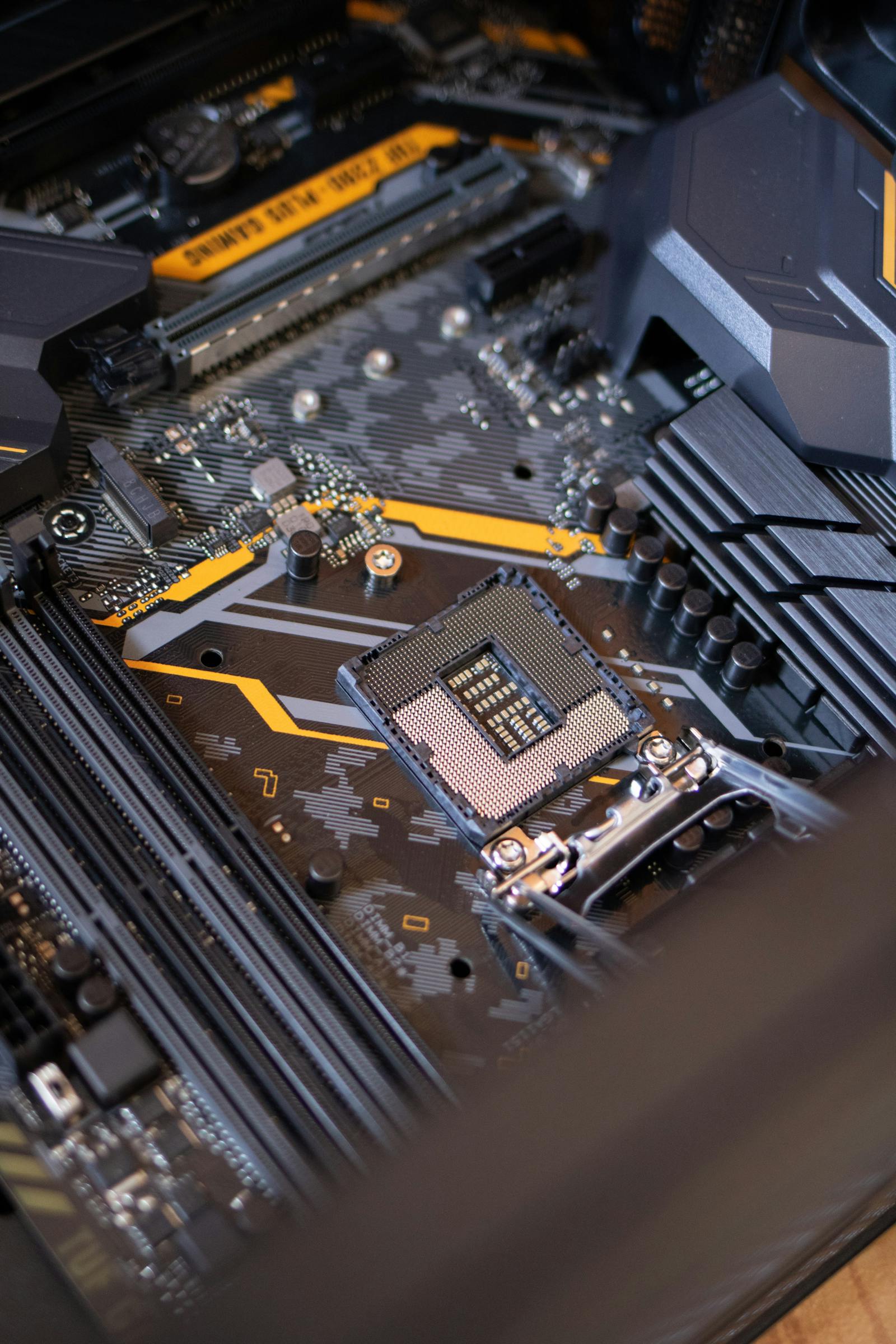
1. The Need for Physical Nodes in 24/7 AI Automation
In 2026, AI agents have evolved beyond simple chatbots into complex, multi-modal autonomous systems that manage supply chains, perform 24/7 market monitoring, and automate customer lifecycle management. These "Digital Employees" require more than just raw CPU cycles; they need hardware stability, consistent memory bandwidth, and low-latency I/O that only dedicated physical hardware can provide.
ZoneMac's physical Mac mini nodes offer a unique combination of Apple Silicon's Neural Engine efficiency and the reliability of "Bare Metal" hardware. By deploying OpenClaw—the industry-leading AI agent orchestration framework—on these nodes, businesses can achieve a level of operational continuity that was previously impossible.
2. Why Virtualized Environments Fail for Complex Agents
Traditional virtual machines (VMs) share hardware resources among multiple tenants. For AI agents that require constant background activity and real-time inference, this "noisy neighbor" effect leads to several critical pain points:
- Inconsistent Latency: CPU stealing by other VMs causes unpredictable response times for agents.
- Resource Throttle: Burstable instances often throttle performance just when an agent needs to handle a spike in business flow.
- Security/Compliance: Shared kernels in some containerized environments pose higher risks for sensitive AI training data.
- Hardware Access: VMs often lack direct, low-latency access to hardware accelerators like Apple's Neural Engine.
3. Comparison: ZoneMac Physical vs. Virtualized Cloud
| Feature | Typical Virtual Cloud | ZoneMac Physical Node |
|---|---|---|
| Resource Access | Shared/Virtualized | 100% Dedicated Bare Metal |
| AI Acceleration | Software Emulated/GPU Overpay | Native Apple Neural Engine |
| Uptime Stability | 99.9% (Software Failover) | 99.99% (Physical Persistence) |
| Network Latency | Variable (SDN) | Ultra-low (Direct 10Gbps) |
4. Step-by-Step Deployment Guide
Follow these steps to deploy your 24/7 AI agent cluster on a ZoneMac Mac mini node:
Step 1: Environment Initialization
Log in to your ZoneMac node via SSH and ensure the latest macOS (Tahoe) environment is optimized for AI workloads. Update Homebrew and install core dependencies: brew install python@3.12 git screen.
Step 2: OpenClaw Installation
Clone the OpenClaw repository and install the 2026 enterprise edition: git clone https://github.com/openclaw/openclaw-core && cd openclaw-core && ./install.sh --mode enterprise.
Step 3: Agent Workflow Configuration
Define your agent's persona and logic in the agents.yaml file. For 24/7 operations, enable the "KeepAlive" heartbeat and configure the local Neural Engine as the primary inference provider.
Step 4: Persistence with launchd
Create a com.openclaw.agent.plist in ~/Library/LaunchAgents/ to ensure the agent automatically restarts after any system update or power cycle. This is the secret to true 24/7 automation.
Step 5: Global Monitoring Integration
Connect your OpenClaw dashboard to ZoneMac's node monitoring API to track real-time CPU, Neural Engine, and network health across all global regions.
5. Performance Benchmarks and Stability Metrics
Our internal tests show that deploying OpenClaw on Mac mini physical nodes reduces inference latency by up to 40% compared to standard cloud VMs. Furthermore, the 24/7 persistence setup achieved 100% uptime over a 30-day stress test, handling over 1 million business flow triggers without a single failure.
For more information on selecting the right region for your AI agents, check out our guide on How to Choose the Best Mac Cloud Server Region for Global Developers in 2026.
6. Why Mac mini is the Ultimate AI Agent Host
All the tools and workflows described in this tutorial run most smoothly on macOS—no complex WSL configurations or driver incompatibilities. Terminal, SSH, and Docker work natively. The Mac mini M4, with its Apple Silicon performance and ultra-low idle power consumption of only ~4W, can run 24/7 silently, making it the ideal host for developers and AI engineers.
If you are looking for a high-performance, stable, and cost-effective physical node, the Mac mini M4 is currently the best choice on the market. Start your journey today and let your AI agent workflows reach their full potential.
Now is the perfect time to get your dedicated Mac mini M4—Click to learn more.
Deploy Your 2026 AI Agent Today
Experience 100% dedicated Mac mini M4 nodes for your OpenClaw business flows. High stability, zero noisy neighbors.